
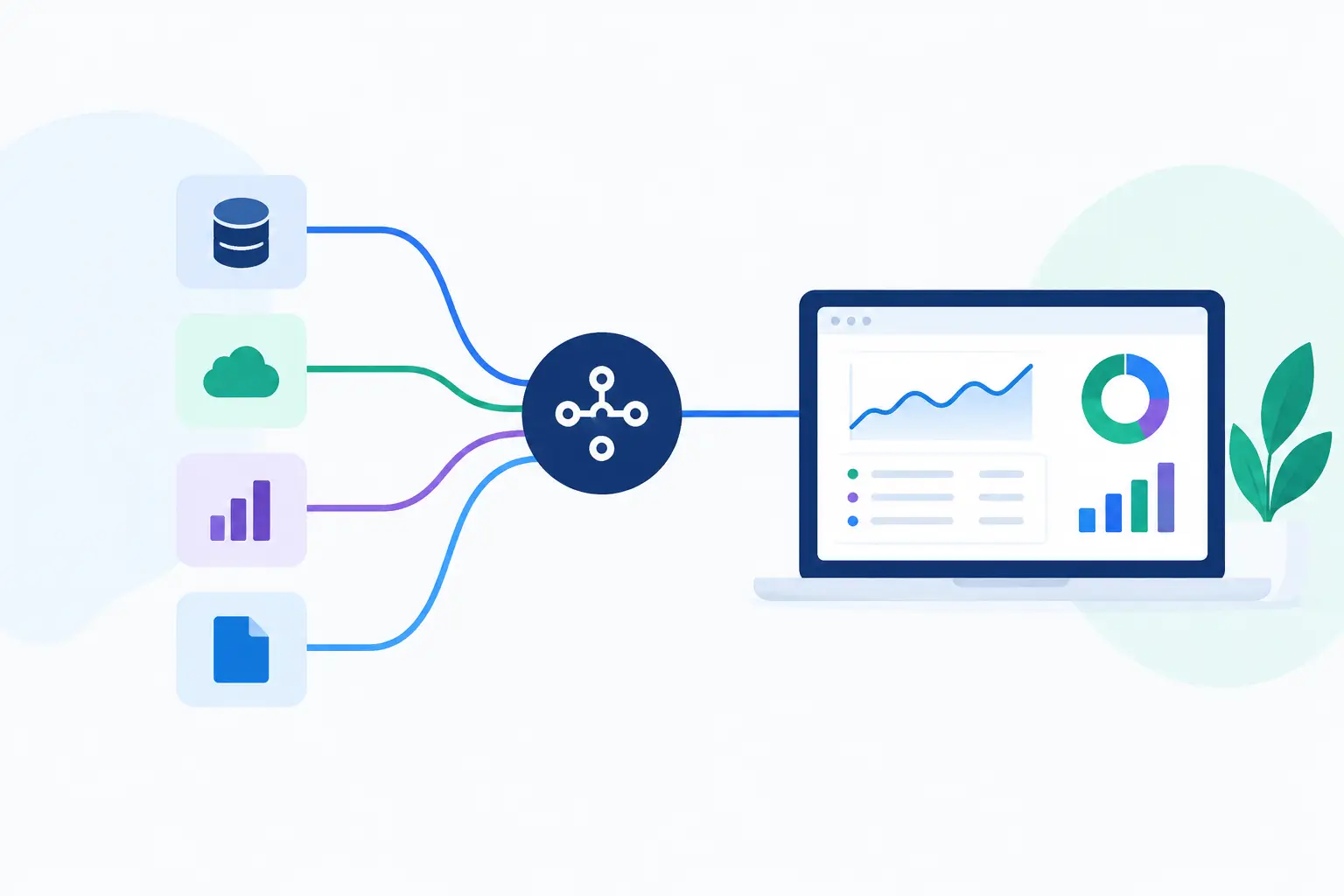
A sales team asks for a list of fast-growing suppliers. An investment analyst needs corporate filings across a market. A product team wants to enrich a user-entered company name before showing results. The question is not whether data exists. It is how to connect data APIs so the information arrives in the right format, from an understood source, when your team needs it.
Connecting an API is easy to describe and easy to get wrong. A working request is only the beginning. The real work is choosing the right source, defining what the response means, handling gaps, and building a workflow that does not break when a field changes or a limit is reached.
Start with the decision, not the endpoint
Before comparing API documentation, write down the decision the data needs to support. That one sentence prevents a surprising amount of wasted engineering time.
For example, a consultant researching a company may need legal name, registration status, directors, and recent filings. A procurement team may need open public contracts by buyer, category, location, and value. A market researcher may need a time series with a clear geography and publication date.
Those are different jobs. They require different sources, update schedules, and levels of detail. A company record that is useful for prospecting may not be sufficient for legal due diligence. A public-contract feed can show an award notice but may not explain the full procurement history. Treat every data API as a source with a specific purpose, not as a universal database.
Ask three practical questions before integration: What action will this data change? How current must it be? What happens if a result is missing, delayed, or ambiguous? Your answers determine whether you need a real-time call, a daily refresh, or a researcher-reviewed workflow.
How to connect data APIs around a clear data model
The first technical decision should be the record you want to create or improve. For company data, that might be a company profile in your CRM. For contracts, it could be an opportunity record. For a research workflow, it may be a structured briefing with source references and retrieval dates.
Start with a small internal schema. Define the fields your application actually needs, such as company name, jurisdiction, registration number, address, industry classification, revenue range, contract value, or announcement date. Then map API fields into that schema.
Do not assume similarly named fields mean the same thing. Revenue may refer to a reported annual figure, an estimate, a group total, or a single legal entity. A company status may mean active in one source and merely present in another. Date fields can describe publication, filing, award, update, or collection dates.
Keep the original API field names and raw response available for troubleshooting. Your application can present clean labels to users while preserving enough context for someone to trace a number back to its meaning. This matters when a customer asks why a record looks incomplete or why two sources disagree.
A useful model separates three layers: the source response, your normalized record, and the user-facing view. That separation gives you room to change a source or improve a mapping without rewriting every downstream workflow.
Choose the right connection pattern
Most business teams need one of three patterns. The right choice depends on volume, freshness, and how people use the result.
A lookup pattern sends a request when a user searches for a company, contract, or market indicator. It is a good fit when users expect current results and search volume is moderate. The trade-off is response time and dependency on the source being available at the moment of the search.
A batch enrichment pattern sends a prepared list of records on a schedule. This works well for CRM cleanup, portfolio monitoring, and recurring market reports. It gives you more control over cost and processing, but the data is only as current as the last run.
An event-driven pattern updates records when something changes, such as a new filing, an award notice, or a status update. Where a source supports change notifications, this can reduce unnecessary requests. It also requires careful handling of duplicates, delayed events, and records that change more than once.
For many teams, a hybrid approach is best. Use scheduled enrichment for the core dataset, then use live lookups for high-value records where freshness matters. Do not pay for real-time data across every record if only a small set drives active decisions.
Protect credentials and make access manageable
An API key is not just a technical detail. It controls spend, access, and often the ability to retrieve information that should stay within your organization.
Store credentials in a secure secrets manager or your deployment environment. Do not place keys in browser code, spreadsheets, shared documents, or source-control repositories. Give production, testing, and personal development separate credentials where possible, so usage is easier to trace and revoke.
Set practical limits from the beginning. Rate limits protect a source from accidental overload, but they also protect your budget from a bad loop or a poorly filtered query. Your application should recognize common responses such as authentication failures, invalid requests, rate limits, and temporary server errors. Retry only when a retry makes sense, and use backoff rather than immediately sending the same request again.
If multiple teams use the same data, log the request type, source, timestamp, record identifier, and outcome. You do not need to retain sensitive request details forever, but you do need enough operational history to answer basic questions: What was requested? When did it change? Which workflow created this record?
Plan for imperfect matches and incomplete coverage
The messiest part of connecting data APIs is rarely authentication. It is entity matching.
A business may appear under a trading name, a legal name, a former name, or a name with punctuation removed. A parent company and a subsidiary may share an address. A public buyer can be listed under an agency, department, or legal entity. Searching by name alone will eventually create false matches.
Use stable identifiers whenever the source provides them. Registration numbers, tax identifiers where appropriate, official procurement IDs, and source-specific entity IDs are more reliable than names. When you must match by name, include additional signals such as jurisdiction, address, website domain, or industry classification.
Build a confidence rule that fits the cost of being wrong. A low-risk lead-generation workflow can flag potential matches for review. A workflow that affects compliance, pricing, or an investment memo should require stronger evidence. There is no universal threshold. The right threshold depends on the decision and the consequences of a bad match.
Coverage deserves the same scrutiny. Geographic availability, historical depth, update frequency, and included fields vary by source. A source might offer strong coverage for Dutch registered companies while providing limited fields elsewhere. Another may publish contract notices promptly but have uneven metadata across buyers. State those limits inside the product experience instead of hiding them behind a blank field.
Make the output useful to people and AI workflows
Raw JSON is useful to developers. Most business users need an answer, context, and a path to verify it.
When displaying or passing data onward, include the source name where permitted, the retrieval date, and a clear label for estimates, reported values, or unavailable fields. If a user asks for the largest recent contracts in a sector, return the criteria used alongside the records. That makes the result easier to challenge, reuse, and trust appropriately.
The same principle applies to AI agents. An agent should not receive a pile of unstructured records and be told to figure it out. Give it constrained fields, clear definitions, and instructions on what to do when information is absent or conflicting. For example, tell the agent to report a missing revenue field as unavailable, not to infer a value from company size or web copy.
Platforms such as Apiosk can reduce the friction between a natural-language data request and an API-based workflow. Even then, your team still needs to define the output it wants, assess source fit, and decide which results require human review.
Test the failures before users find them
A connection is not ready because one sample request returned useful data. Test records with common names, missing identifiers, inactive entities, foreign addresses, old filings, and empty responses. Test what happens when a source returns an unexpected field type or a partial record.
Also test operational failures. What does the user see if a request times out? Does a batch restart from the last successful record? Can you tell the difference between no matching data and a source that could not be reached? Those distinctions prevent teams from treating a technical outage as a business fact.
Keep a short set of representative test cases and run them whenever you change mappings, source settings, or application logic. Data connections evolve. A test suite turns that change from a surprise into a controlled release.
Measure value after launch
The best measure is not the number of API calls. It is whether the connection reduces manual research, improves targeting, shortens a decision cycle, or helps a team identify opportunities it would otherwise miss.
Track a few outcomes that match the workflow. A research team may track time to complete a company brief. A sales operation may track the percentage of records enriched with a verified identifier. A procurement intelligence team may track how quickly relevant notices reach the right owner.
Start with one decision, one source, and one well-defined output. Once people can explain where a result came from and what they should do with it, adding more data becomes a choice rather than a clutter problem.